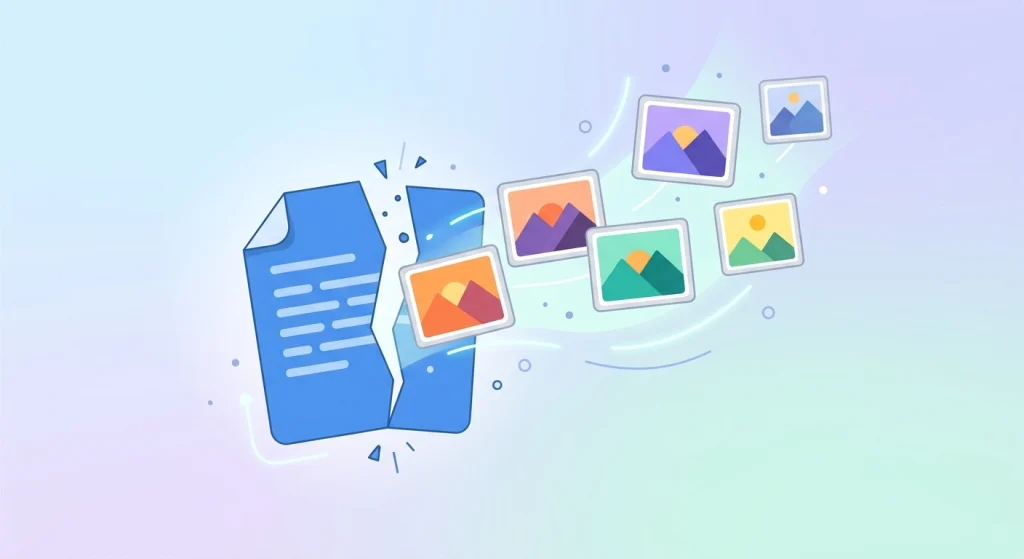
Do you want to Convert PDF to JPG Online for free? Not every situation calls for a PDF — sometimes you just need the image. JPEG remains one of the most widely supported image formats, which is why it’s the default choice when pulling pages out of a PDF. Maybe you want to post a page on social media, drop it into a slide deck, or edit it in an image editor. Converting a PDF to JPG lets you turn each page into a standalone image file, and you can do it online for free without installing anything.
Here’s how to convert PDF to JPG online for free, and when it makes sense to do so.
Why Convert PDF to JPG Online?
PDF-to-image conversion is useful any time you need visual, editable, or shareable versions of PDF content. Common reasons include:
- Sharing on social media — platforms like Instagram or Facebook don’t support PDF uploads, but they do support images.
- Inserting into presentations — dropping a PDF page directly into PowerPoint or Google Slides as an image.
- Editing in image software — tools like Photoshop or Canva work with JPGs, not PDFs.
- Creating thumbnails or previews — turning a document’s first page into a preview image for a website or catalog.
- Printing photos or diagrams — extracting a specific image or chart from a PDF report.
- Simplifying viewing on devices — some older devices or apps display images more reliably than PDFs.
How to Convert PDF to JPG Online (Step-by-Step)
Using DocPiko’s PDF to JPG tool, the process takes just three steps:
Step 1: Upload Your PDF
Go to the PDF to JPG page and drag and drop your file, or click to browse and select it from your device.
Step 2: Let the Tool Convert Each Page
The tool automatically processes your PDF and converts each page into a separate high-quality JPG image.
Step 3: Download Your Images
Download the converted JPG files individually, or as a batch, depending on how many pages your document has.
No signup, no installation, no watermark.
Tips for Best Results
- Check the resolution of your converted images if you plan to print them — higher-resolution source PDFs produce clearer JPGs.
- Convert only the pages you need — if your PDF is long, consider splitting it first so you only convert the relevant pages.
- Keep file names organized — if converting a multi-page document, rename each image after downloading so you know which page it came from.
- Use JPG for photos, PNG for graphics with text — JPG is ideal for photographic content; if your PDF pages contain sharp text or line art, be aware JPG compression can slightly soften fine details.
PDF to JPG vs. Other PDF Tasks
Converting to images is often part of a bigger workflow. You might also want to:
- JPG to PDF – do the reverse and combine images back into a PDF document. Convert JPG to PDF.
- Split PDF – extract specific pages before converting them to images. Split a PDF.
- Compress PDF – shrink the original file if it’s too large to process quickly. Compress a PDF.
Frequently Asked Questions
Is converting PDF to JPG online safe? Yes, when using a trusted tool. DocPiko processes your file securely and automatically deletes it from the server after conversion.
Is DocPiko’s PDF to JPG tool free? Yes, completely free with no signup required.
Will every page convert into a separate image? Yes. Each page of your PDF is converted into its own individual JPG image.
Does the conversion reduce image quality? The tool converts pages at high quality, though very fine text may look slightly softer as an image compared to the original vector PDF text.
Can I convert a PDF to JPG on my phone? Yes. DocPiko works on modern mobile browsers, so you can convert files directly from your phone or tablet.
Do I need any software installed? No. The entire conversion happens online in your browser.
Convert Your PDF to JPG Now
Turn any PDF page into a shareable, editable image in seconds — no software, no signup, no hassle.