PDF files are everywhere — contracts, invoices, resumes, ebooks, scanned forms. The PDF (Portable Document Format) became an ISO-standardized format precisely because it preserves formatting reliably across devices and operating systems. But working with them shouldn’t require expensive software or a steep learning curve. Whether you need to combine a few files into one, shrink a huge attachment, or turn a photo into a document, the right free online PDF tools can do the job in seconds, right from your browser.
In this guide, we’ll walk through the most useful PDF tools you’ll ever need, when to use each one, and how DocPiko makes all of them free, fast, and signup-free.
Why Use Free Online PDF Tools Instead of Desktop Software?
Desktop PDF editors like Adobe Acrobat are powerful, but for everyday tasks they’re often overkill. Here’s why more people are switching to browser-based tools:
- No installation – nothing to download, no updates to manage.
- Works on any device – Windows, Mac, Chromebook, even your phone.
- No subscription cost – most everyday PDF tasks are completely free online.
- Faster for simple tasks – merging or compressing a file takes seconds, not minutes.
- Cross-platform – edit a file on your phone, finish on your laptop.
The catch is trust. You want a tool that processes files quickly, doesn’t require an account, and doesn’t hang on to your documents. That’s exactly what DocPiko is built for.
The 5 Essential PDF Tools Everyone Should Know About
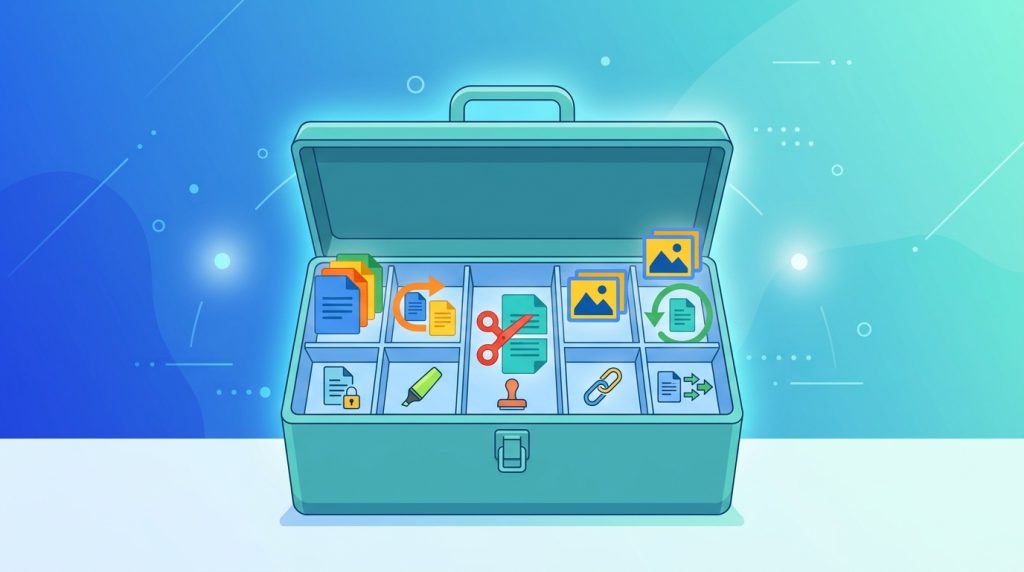
1. Merge PDF — Combine Multiple Files into One
If you’ve ever had to email five separate PDFs when one neat document would do, you need a merge tool. It’s perfect for combining invoices, scanned pages, chapters of a report, or multiple contracts into a single, organized file.
👉 Merge your PDFs free with DocPiko
2. Split PDF — Break a Large File into Smaller Pieces
The opposite problem: you have one massive PDF (a textbook, a legal bundle, a scanned book) and only need a few pages from it. A split tool lets you extract exact page ranges or divide a document into separate files without opening any desktop software.
👉 Split your PDF free with DocPiko
3. Compress PDF — Shrink File Size Without Losing Quality
Large PDFs are a headache — they’re slow to upload, they bounce off email attachment limits, and they eat up storage. A good compression tool reduces file size dramatically while keeping the document readable and sharp.
👉 Compress your PDF free with DocPiko
4. JPG to PDF — Turn Photos and Scans into a Document
Need to submit a scanned ID, a handwritten note, or a set of photos as one clean PDF? A JPG to PDF converter stitches your images together into a single, print-ready document in the correct order.
👉 Convert JPG to PDF free with DocPiko
5. PDF to JPG — Extract Images from a PDF
Sometimes you need the opposite — turning PDF pages into individual image files so you can share them on social media, drop them into a presentation, or edit them in an image editor. A PDF to JPG converter handles that instantly.
👉 Convert PDF to JPG free with DocPiko
How DocPiko’s PDF Tools Work
Every tool on DocPiko follows the same simple, three-step process:
- Upload your file(s) — drag and drop, or click to browse.
- Let the tool process it — merging, splitting, compressing, or converting happens automatically on our servers.
- Download the result — get your finished file instantly, ready to use or share.
No account. No email required. No software to install.
What Makes DocPiko Different
- 100% Free – every tool is free to use, with no hidden charges or premium paywalls.
- No Signup Required – start using any tool immediately.
- Fast Processing – our tools are optimized to handle files quickly, even large ones.
- Private & Secure – uploaded files are processed securely and automatically deleted afterward.
- Works on Mobile – merge, split, or convert PDFs directly from your phone browser.
Choosing the Right Tool for the Job
| You want to… | Use this tool |
|---|---|
| Combine several PDFs into one | Merge PDF |
| Pull specific pages out of a PDF | Split PDF |
| Reduce a PDF’s file size | Compress PDF |
| Turn photos into a PDF document | JPG to PDF |
| Turn PDF pages into images | PDF to JPG |
Frequently Asked Questions
Are DocPiko’s PDF tools really free? Yes. All tools on DocPiko — merge, split, compress, JPG to PDF, and PDF to JPG — are completely free to use, with no hidden fees or subscriptions.
Do I need to create an account to use these tools? No signup or login is required. You can start using any tool immediately.
Is there a file size limit? File size limits vary by tool and are shown on each tool’s page before you upload.
Are my uploaded files safe? Files are processed securely and automatically removed from our servers after processing. We still recommend avoiding uploads of highly sensitive documents to any online service.
Can I use these tools on my phone? Yes. DocPiko works on modern desktop and mobile browsers, so you can merge, split, compress, or convert files from any device.
Try DocPiko’s Free PDF Tools Today
Whether you need to merge a stack of documents, shrink a bulky file, or convert between PDF and JPG, DocPiko gives you fast, free, no-signup tools that work right in your browser.