Free PDF Tools,
Made Simple
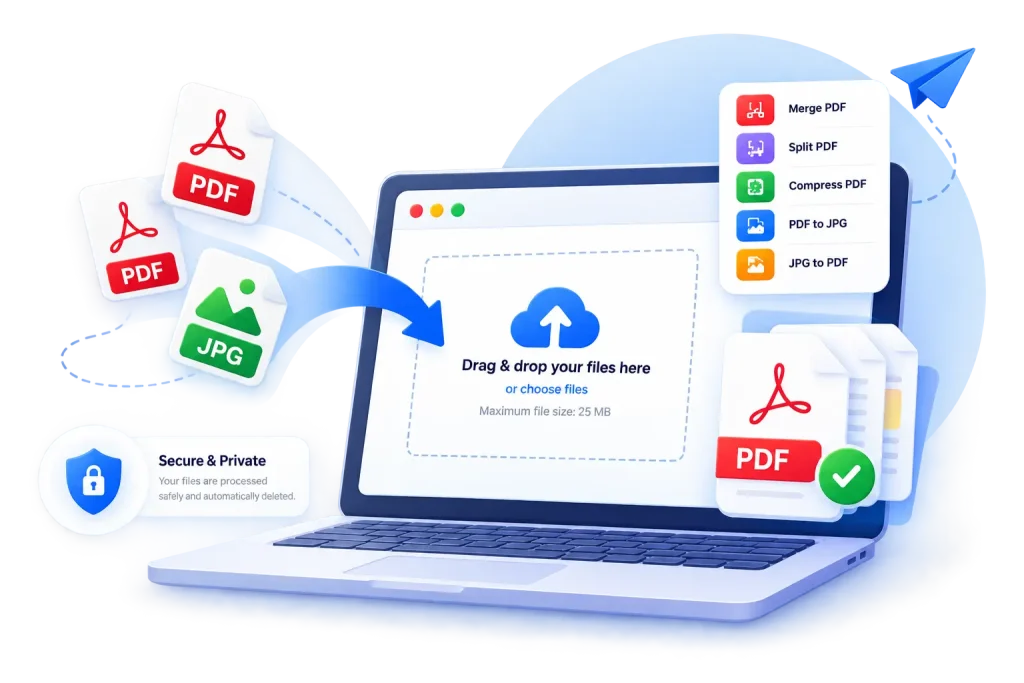
Merge, split, compress, and convert your PDF files quickly and easily. 100% free to use. Fast and Secure Free Online PDF Tools.
- Free to Use
- No Signup
- Secure & Private
Popular PDF Tools
Who Can Use These Tools?
Students can combine lecture notes, extract chapters from scanned textbooks, or compress large assignment files before submitting them.
Office workers can merge reports, split large documents, or shrink files that are too big to email.
Freelancers can combine a resume, cover letter, and portfolio, or convert design samples into shareable images.
Businesses can merge invoices and contracts, compress scanned records, or convert paperwork between PDF and image formats.
Teachers can combine handouts, split worksheets from a larger file, or compress lesson materials for easy sharing.
General users can convert scanned IDs or photos into PDF, extract a specific page from a document, or shrink a file before sending it.
Frequently Asked Questions
Yes, all tools on DocPiko — merge, split, compress, JPG to PDF, and PDF to JPG — are free to use.
No. You do not need to create an account or sign up to use DocPiko's current PDF tools.
DocPiko currently offers tools to merge PDF files, split PDFs, compress PDFs, convert JPG images to PDF, and convert PDF pages to JPG images. More tools may be added in the future.
Yes. DocPiko is designed to work on modern desktop and mobile browsers, allowing you to use the tools from computers, tablets, and smartphones.
Yes. File size limits may vary depending on the tool and server configuration. The applicable limit is displayed on the tool page when you upload a file.
Files may be temporarily stored on the server while a tool processes them. Temporary files are automatically removed according to our file-retention process. We recommend keeping a copy of any important document on your own device.
We take reasonable measures to protect files during processing. However, no online service can guarantee complete security. Avoid uploading highly sensitive or confidential documents unless you are comfortable using an online processing service.
Use the Compress PDF tool to reduce file size while keeping your document readable.