Split PDF
Split PDF Online
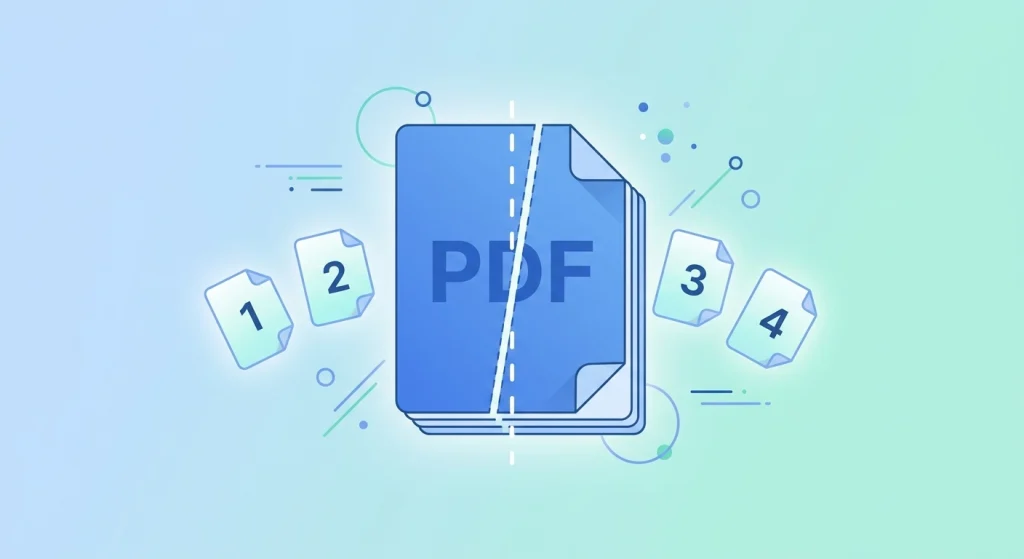
Sometimes you only need a few pages from a larger PDF, not the entire file. DocPiko’s Split PDF tool lets you upload a document and extract specific pages or divide it into smaller files, all directly in your browser.
This tool works well for anyone who needs to pull specific content out of a longer document — students separating a chapter from a scanned textbook, office workers extracting a single invoice from a batch, or anyone who wants to share just part of a file instead of the whole thing.
There’s no software to install. DocPiko’s Split PDF tool works online on Windows, Mac, or mobile devices, using just your browser.
How to Use Split PDF
- Upload your PDF file – Drag and drop your document into the upload area, or click to select it from your device.
- Choose the pages to split – Select the page range or specific pages you want to extract from the document.
- Process the file – Click to split the PDF based on your selection.
- Download the result – Save the split file (or files) to your device once processing is complete.
Why Use DocPiko’s Split PDF Tool?
- Free to use – Split PDF files at no cost.
- No account required – Use the tool right away, without signing up.
- Works in your browser – No installation needed on any device.
- Simple process – Upload, select pages, split, and download in just a few steps.
- Mobile-friendly – Split PDF files from your phone or tablet as well as a computer.
- Precise page selection – Choose exactly which pages you want to extract.
Split PDF Features
- Extract specific pages or page ranges from a PDF
- Divide a document into smaller files
- Works directly in the browser, no installation required
- Compatible with desktop and mobile browsers
- Simple drag-and-drop file upload
Who Can Use This Tool?
Students can extract a specific chapter or section from a scanned textbook or long PDF for focused studying.
Office workers can pull a single invoice, page, or section out of a larger combined document for reporting or sharing.
Freelancers can separate a signed contract page or specific deliverable from a longer file before sending it to a client.
Businesses can divide large scanned records into smaller, more manageable files for filing or distribution.
Teachers can extract individual worksheets or handouts from a combined lesson document to share with students.
General users can pull out a specific page, like an ID scan or form, from a bigger PDF without sharing the entire file.
Frequently Asked Questions
Is Split PDF Online free to use?
Yes, DocPiko’s Split PDF tool is free to use.
Do I need to create an account to split a PDF?
No, you can use the tool without signing up or creating an account.
Can I use this tool on my phone?
Yes, the tool works in mobile browsers, so you can split PDF files from your phone or tablet.
Can I choose specific pages to extract?
Yes, you can select the exact pages or page ranges you want to split from the document.
Does splitting a PDF reduce its quality?
No, splitting only separates existing pages into a new file without altering the content or quality of those pages.
Can I split a PDF into more than two files?
Yes, depending on your selection, you can divide a document into multiple smaller files.
What file format will the split result be in?
The split output remains in PDF format, matching the original file.
Ready to Split Your PDF File?
Upload your document and try DocPiko’s free Split PDF tool online — no installation, no account, just a simple way to extract the pages you need.