
JPG to PDF
JPG to PDF Converter Online
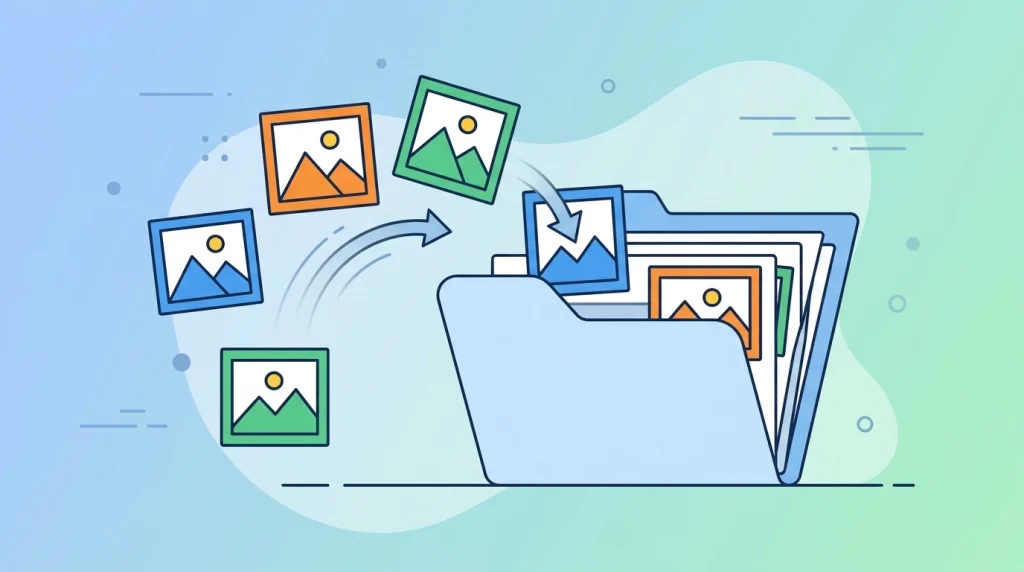
Turning a photo or scanned image into a PDF document is a common task — for submitting forms, combining receipts, or creating a shareable file from multiple pictures. DocPiko’s JPG to PDF converter lets you upload images and combine them into a single PDF, directly in your browser.
This tool is useful for anyone who needs to turn images into a document — students submitting scanned assignments, professionals combining photographed receipts, or anyone converting a batch of pictures into one organized file.
Because it runs online, there’s nothing to install. You can convert JPG to PDF on Windows, Mac, or mobile, using only your browser.
How to Use JPG to PDF
- Upload your image files – Drag and drop your JPG images into the upload area, or click to select them from your device.
- Arrange the image order – Set the order in which the images should appear as pages in the final PDF.
- Convert to PDF – Click convert to combine your images into a single PDF document.
- Download the result – Save your new PDF file to your device.
Why Use DocPiko’s JPG to PDF Tool?
- Free to use – Convert JPG images to PDF at no cost.
- No account required – Use the tool right away, without signing up.
- Works in your browser – No installation needed on any device.
- Simple process – Upload, arrange, convert, and download in just a few steps.
- Mobile-friendly – Convert images to PDF from your phone or tablet as well as a computer.
- Multiple image support – Combine several images into one PDF document.
JPG to PDF Features
- Converts one or more JPG images into a single PDF file
- Reorder images before converting to control page sequence
- Works directly in the browser, no installation required
- Compatible with desktop and mobile browsers
- Simple drag-and-drop file upload
Who Can Use This Tool?
Students can convert photographed assignments or handwritten notes into a single PDF for submission.
Office workers can turn scanned or photographed documents into a PDF for record-keeping or sharing.
Freelancers can combine multiple design samples or photos into one PDF portfolio to send to clients.
Businesses can convert photographed receipts or invoices into PDF files for expense reports or accounting.
Teachers can turn photographed worksheets or handwritten materials into a PDF to share with students.
General users can convert scanned IDs, forms, or personal photos into a PDF whenever a document format is needed.
Frequently Asked Questions
Is JPG to PDF Online free to use?
Yes, DocPiko’s JPG to PDF tool is free to use.
Do I need to create an account to convert JPG to PDF?
No, you can use the tool without signing up or creating an account.
Can I use this tool on my phone?
Yes, the tool works in mobile browsers, so you can convert images to PDF from your phone or tablet.
Can I combine multiple images into one PDF?
Yes, you can upload several images and combine them into a single PDF document.
Does converting to PDF reduce image quality?
The tool is designed to preserve the quality of your images as they are converted into the PDF.
Can I change the order of images before converting?
Yes, you can arrange the uploaded images in the order you want them to appear in the final PDF.
How long does converting JPG to PDF take?
Processing time depends on the number and size of the images, but most conversions complete within moments.
Ready to Convert Your Images to PDF?
Upload your images and try DocPiko’s free JPG to PDF tool online — no installation, no account, just a simple way to turn your pictures into a document.