Compress PDF
Compress PDF Online
Large PDF files can be difficult to email, slow to upload, and take up more storage than necessary. DocPiko’s Compress PDF tool reduces the file size of your PDF documents directly in your browser, making them easier to share and store.
This tool is useful for anyone dealing with oversized PDFs — office workers attaching reports to emails, students submitting assignments to portals with size limits, or businesses archiving scanned paperwork. Instead of struggling with upload limits or slow transfers, you get a smaller file that’s easier to work with.
Because it runs online, there’s nothing to install. You can compress PDF files on Windows, Mac, or mobile, using only your browser.
How to Use Compress PDF
- Upload your PDF file – Drag and drop your document into the upload area, or click to select it from your device.
- Let the tool process it – The tool analyzes and optimizes your file to reduce its size.
- Review the result – Compare the compressed file size once processing is complete.
- Download the compressed file – Save the smaller PDF to your device.
Why Use DocPiko’s Compress PDF Tool?
- Free to use – Compress PDF files at no cost.
- No account required – Use the tool right away, without signing up.
- Works in your browser – No installation needed on any device.
- Simple process – Upload, compress, and download in just a few steps.
- Mobile-friendly – Compress PDF files from your phone or tablet as well as a computer.
- Straightforward results – See the reduced file size immediately after processing.
Compress PDF Features
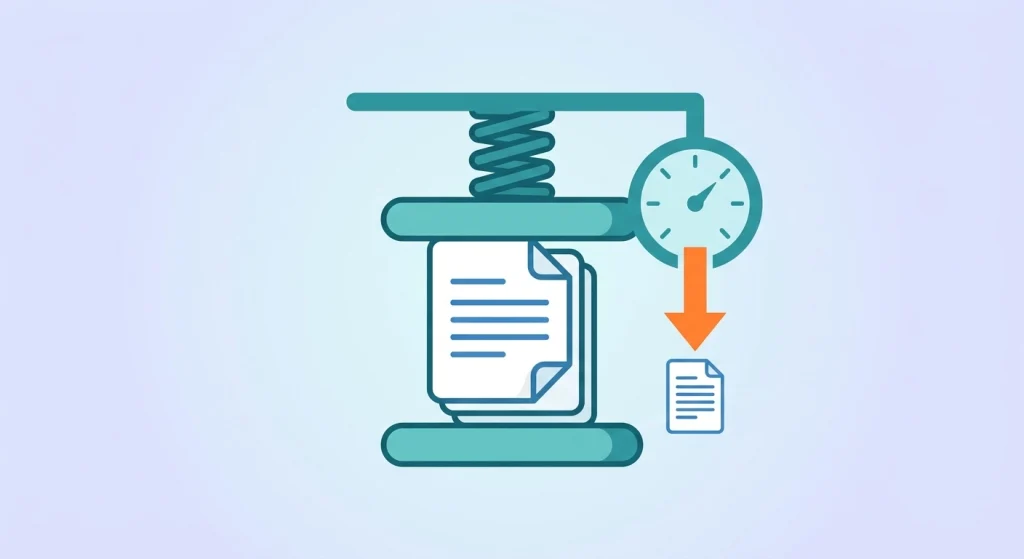
- Reduces overall PDF file size
- Optimized for documents with images or scanned pages
- Works directly in the browser, no installation required
- Compatible with desktop and mobile browsers
- Simple drag-and-drop file upload
Who Can Use This Tool?
Students can compress large assignment files or scanned notes to meet upload limits on school portals.
Office workers can shrink reports or presentations before attaching them to emails with strict size limits.
Freelancers can compress portfolio files or scanned contracts to make them easier to send to clients.
Businesses can reduce the size of scanned records or invoices to save storage space and speed up sharing.
Teachers can compress handouts or lesson materials before uploading them to a shared drive or classroom portal.
General users can shrink personal documents, like scanned forms or ID copies, before sending them by email or messaging apps.
Frequently Asked Questions
Is Compress PDF Online free to use?
Yes, DocPiko’s Compress PDF tool is free to use.
Do I need to create an account to compress a PDF?
No, you can use the tool without signing up or creating an account.
Can I use this tool on my phone?
Yes, the tool works in mobile browsers, so you can compress PDF files from your phone or tablet.
Does compressing a PDF remove any pages or content?
No, compression optimizes the existing file to reduce its size without removing pages or text.
Will compression affect the readability of my document?
The tool is designed to reduce file size while keeping your document readable.
How much can I reduce my PDF’s file size?
The amount of reduction depends on the content of your PDF — files with more images typically see a larger reduction than text-only documents.
How long does compressing a PDF take?
Processing time depends on the size of your file, but most PDFs are compressed within moments.
Ready to Reduce Your PDF File Size?
Upload your document and try DocPiko’s free Compress PDF tool online — no installation, no account, just a simple way to shrink your files.